
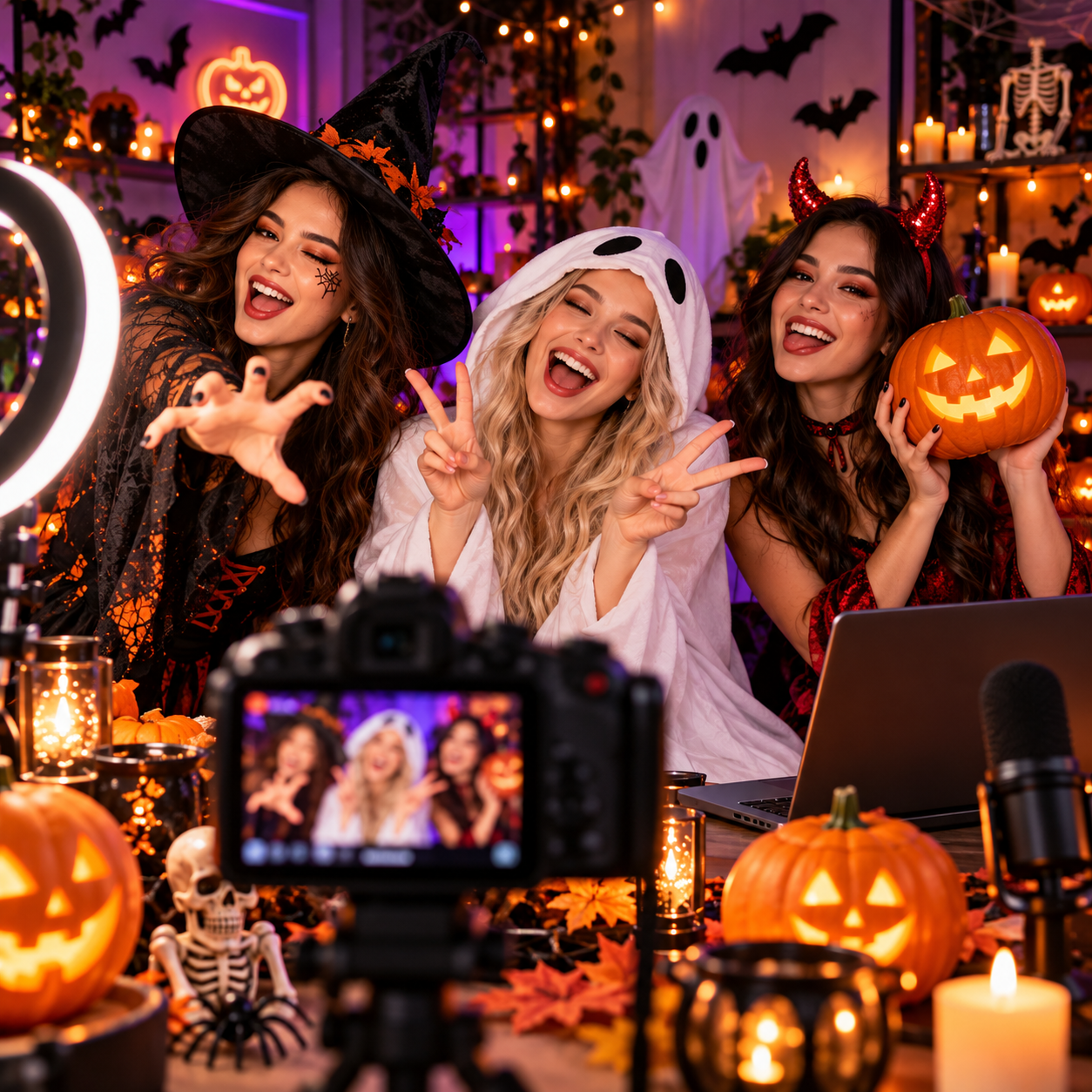
Halloween has always carried a fascination with the unknown. Shaped by traditions associated with the Celtic festival of Samhain and the Christian observance of All Hallows’ Eve, it brings old stories of spirits and transformation into today’s world of costumes, parties, and creative self-expression. That mysterious atmosphere also leaves room for seduction: velvet-clad witches, gothic glamour, enchanting sorceresses, and sultry zombie divas turn spooky imagery into something magnetic and playful.
For OnlyFans creators, this blend of mystery and sensuality opens up possibilities beyond simply putting on a costume. A character, a whispered invitation, or a candlelit setting can give familiar content a different mood. This guide explores practical OnlyFans Halloween ideas for photos, videos, audio, and livestreams, along with ways to plan your releases and create seasonal offers that fit your page.
Match the Halloween Mood to Your Style
Choose a Halloween theme that builds on what subscribers already enjoy about your content. If your page is playful and conversational, become a mischievous witch inviting fans to a cozy autumn date. If your style is more glamorous, gothic lace, velvet, and a masquerade mask can carry the look. You can also give a familiar format – such as outfit try-ons or voice notes – a seasonal twist.
Before buying anything, check which clothes and accessories you can reuse. One outfit can support several looks through changes in makeup, lighting, and props. If you are deciding between two concepts, ask fans to choose their favorite. Keep both options within your budget and comfort level, and treat the result as creative feedback rather than a guarantee of purchases.
Halloween Content Ideas for OnlyFans Creators
A Halloween concept can become a photo set, a short video, or an interactive event. Pick a format you already enjoy creating, then use the costume and setting to give it a seasonal story.
1. Costume Try-On and Transformation Videos
Let fans watch you transform from your everyday look into your Halloween character. Film both versions from the same camera position, using a turn, a hand over the lens, or a sweep of your cape to connect the shots. Keep the background simple so the outfit stays in focus.
If you have several costumes, turn the video into a try-on session and ask fans which look deserves a full shoot. Record a separate, fully dressed teaser for public promotion, then share the longer try-on, extra poses, or getting-ready footage on OnlyFans.
2. Gothic Vampire or Witch Photo Sets
Give your photo set a story: a vampire dressing for a midnight rendezvous or a witch preparing to welcome a mysterious guest. Build the look with lace, velvet, dramatic jewelry, and a few props, such as a decorative spellbook or LED candles. Keep enough light on your face and outfit for the details to remain visible.
Shoot a sequence that moves from getting ready to the final invitation. Mix full-length portraits with close-ups of your lips, hands, and accessories. Share one image as a teaser, then release the complete set through your usual content format.
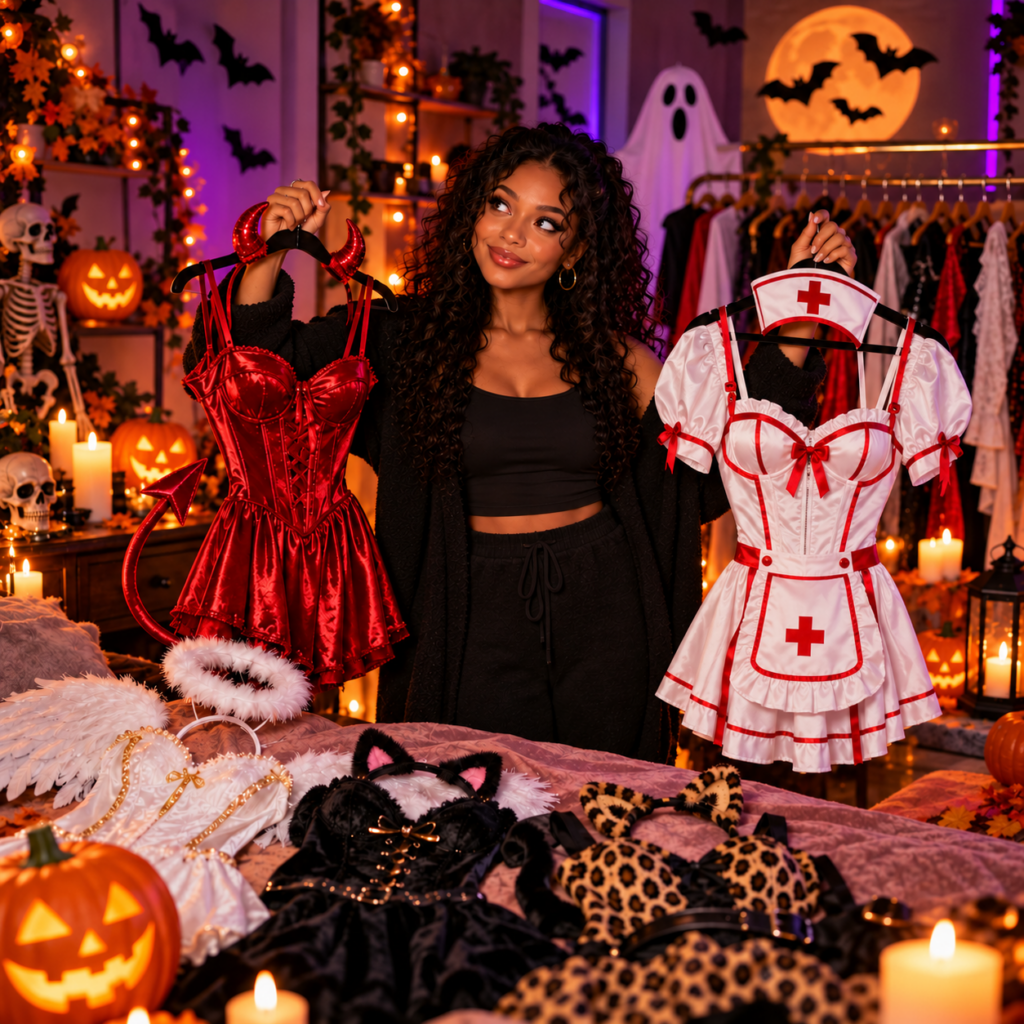
3. Angel vs. Devil: Let Fans Pick a Side
Show two sides of your personality with contrasting Halloween looks. Pair white fabric, soft lighting, and gentle expressions for your angel character, then switch to red accessories, darker lighting, and a mischievous smile for your devil. A change in posture and delivery can make the contrast as noticeable as the costume itself.
Post a preview of each look and ask fans which character should take over your next release. Follow the vote with the chosen photo set or video. If you publish both, give each a distinct story so the difference goes beyond color.
4. A Cozy Halloween Date
Invite fans into a relaxed Halloween evening with warm lighting, a soft sweater, pumpkin decorations, and your favorite seasonal drink. Speak directly to the camera as though your viewer has joined you: welcome them, share a funny costume memory, and ask what they would choose for your next Halloween date.
Give the video a simple activity, such as decorating cookies or ranking your favorite spooky movies. Leave room for natural reactions and playful conversation. You can post it as a standalone date video or use a short invitation clip to introduce a longer livestream.
5. Spooky Voice Notes and ASMR Stories
Use your voice to draw fans into a Halloween fantasy: a witch welcoming them into her candlelit room, a mysterious admirer leaving a midnight message, or a hostess inviting them to a masquerade. Write a short original script with a clear opening and ending, leaving pauses so the delivery feels natural.
For an ASMR version, add gentle page turns, fabric sounds, or quiet tapping on a decorative prop. Record in a quiet room and check the volume with headphones. Share a brief audio preview, then publish the complete recording with a themed cover image.
6. Halloween Livestreams and Q&A
Host a Halloween livestream with a costume reveal, a simple activity, and time for questions. You could finish your makeup on camera, decorate a miniature pumpkin, or discuss fans’ favorite spooky movies. Announce the date, start time, and time zone beforehand so subscribers can plan to join.
Prepare a few conversation prompts and let viewers choose an accessory or lipstick shade for your final look. If you offer tip rewards, explain exactly what each includes and keep them manageable during the stream. Close by telling fans when the finished photos or next seasonal release will be available.
7. Personalized Halloween Greetings
Offer short video or voice greetings delivered in your Halloween character. Fans could receive a mischievous witch’s invitation, a vampire’s midnight welcome, or a playful message from your zombie diva. Add their preferred name and one approved personal line to make the greeting feel individual.
Create a small menu using costumes you already plan to wear. State the recording length, price, personalization options, and delivery deadline before accepting payment. Film orders together while you are in costume, and limit requests to what you can comfortably complete. A sample greeting can show fans the tone before they order.
8. Faceless Masquerade Content
Build a mysterious masquerade look with a decorative mask, long gloves, satin, and statement jewelry. Film close-ups of your hands fastening a necklace, adjusting a glove, or lifting a mask beside your face while keeping identifying features outside the frame. Slow movements and soft side lighting can give a simple setup an elegant mood.
Plan your framing before recording; a mask may still leave recognizable features visible. Check mirrors, windows, and shiny props for reflections. Combine the finished images with a short voice invitation or captions that make fans feel they have received a private invitation to your Halloween ball.
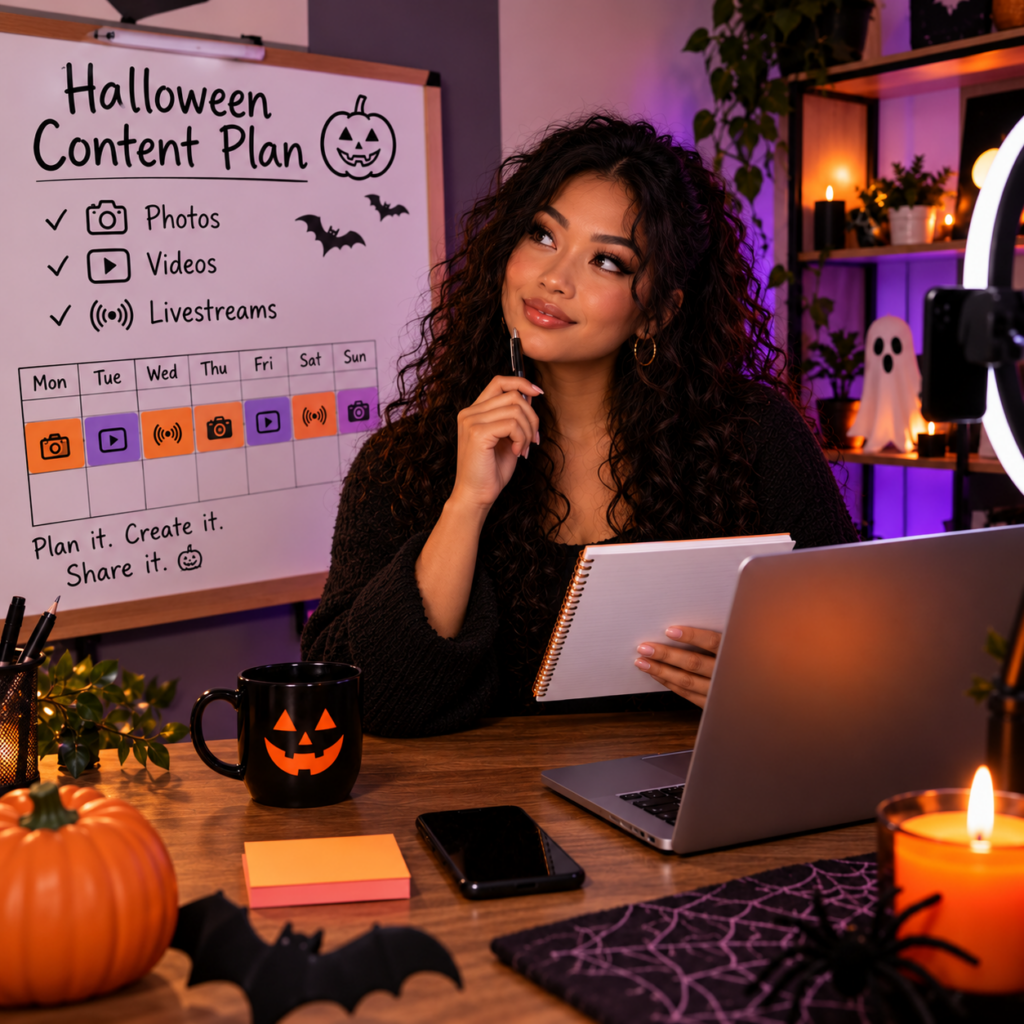
Plan Your Halloween Content Without Daily Shoots
Prepare a shot list before getting into costume: your main photo set, one longer video, two short teasers, and a few behind-the-scenes clips. Record the most demanding material first, while your makeup is fresh, then capture the smaller pieces before changing outfits or taking down the decorations. Include fully dressed promotional footage so you have suitable material for public channels.
Give those pieces a release order. Start with a costume preview or poll, follow with a getting-ready clip, then publish the main set or video. Finish with a livestream, personal greeting offer, or a casual post about the shoot. Each publication should add something rather than repeat the same announcement.
Choose dates around the time you need for editing, uploading, and answering messages. Have the main content ready before announcing its release, and leave room to complete any custom orders you accept. A short series you can deliver consistently is easier to manage than a daily countdown that requires unfinished content.
Create Clear Halloween Offers
Build your seasonal offer around something specific: a complete costume collection, an extended video, or a personalized greeting. Give it a memorable name, then explain what the buyer receives. “Midnight Witch Collection” can introduce the mood, but the description should clarify the content, price, and whether personalization is included. For custom orders, confirm the request and delivery date before accepting payment.
Keep Halloween extras consistent with your subscription promises. If your page includes all content in the subscription, make the seasonal collection part of that experience. If you normally sell additional content, distinguish the paid release from the posts subscribers already receive. When bundling older material with new content, identify the previously published pieces so returning buyers can make an informed choice.
Use your regular pricing as a starting point, accounting for production time and the work involved in personal requests. A bundle can offer convenience without requiring a large discount. If you announce an order deadline or limited number of slots, base it on your actual schedule and capacity.
Promote Your Halloween Content and Check the Details
Use public previews to introduce the character and atmosphere: a fully dressed costume transition, a makeup clip, or a close-up of your decorations. Give each announcement a clear purpose, such as revealing the theme, sharing the release date, or inviting fans to a livestream. Keep captions specific: “My midnight witch set arrives Friday” tells viewers more than “Something spooky is coming”.
Adapt each preview to the rules of the platform where you publish it, including its restrictions on sexual content and promotion. Review the full post – visuals, audio, caption, and links – before sharing.
Check your OnlyFans release separately, especially if your concept involves horror effects, weapon props, or another performer. Confirm current requirements before filming anything uncertain. Finally, inspect backgrounds and reflections for addresses, personal documents, or other details you do not want to reveal.
Final Thoughts: Build Halloween Around Your Style
Halloween gives you room to explore mystery, glamour, and playful temptation while keeping the personality fans subscribe for. Start with one concept you are excited to create, then develop it into a few connected releases rather than stretching yourself across too many costumes.
These OnlyFans Halloween ideas work as starting points: adapt the styling, format, and level of personalization to your page. Prepare the main content before announcing it, keep seasonal offers clear, and leave time to enjoy the interactions your Halloween character inspires.