
Creating content for OnlyFans takes time, effort, and a personal investment. You plan your shoots, edit photos and videos, and share material with an audience you choose. Finding that same content reposted without permission can affect both your business and your privacy.
OnlyFans content protection starts before you upload. A readable watermark, appropriate protection settings, and secure file storage can help reduce risks. Knowing how to find unauthorized copies and request their removal gives you a way to respond when your content appears elsewhere.
In this guide, we’ll explain how to watermark your photos and videos, review your protection options, and deal with stolen content. You’ll learn what these measures can do, where their limits lie, and how to make them part of your publishing routine.
What Watermarks Can and Cannot Do
A watermark is visible text or a logo added to your photos and videos, usually showing your creator name or public handle. If someone reposts the material, that mark can keep your identity attached to it and make the original creator easier to recognize. Placing it inside the frame can also make simple cropping less effective.
However, a watermark does not stop someone from capturing your content. It can be cropped, blurred, or removed, including with modern AI tools, so it works best alongside other protection measures.
You also do not need a watermark to establish copyright protection for an original work under U.S. law. Think of it as a practical attribution tool: useful for identifying your content, but never a guarantee against theft.
Check Your OnlyFans Content Protection Settings
Before uploading, review the protection options available in your OnlyFans account. Watermarking adds visible attribution to your media, while digital rights management (DRM) helps restrict unauthorized access and copying of protected videos. OnlyFans’ parent company, Fenix, has publicly confirmed its use of DRM and secure URLs to protect creator content.
Use this checklist when reviewing your settings:
- Find the watermark options. Check your privacy and safety settings for watermark controls. Review the text and use a recognizable public handle.
- Check video protection. Look for the DRM option and read its explanation before enabling it.
Note: DRM stands for Digital Rights Management. It adds technical restrictions that make protected videos harder to download or copy without permission. - Confirm which uploads are covered. Do not assume that enabling protection changes previously published videos. Check the current guidance or ask support about your existing library.
- Review playback limitations. DRM-protected videos may not play on some older devices or unsupported browsers. If a fan reports a playback problem, suggest updating their browser or trying another browser first. If the issue continues, contact OnlyFans support before disabling protection.
These settings provide an additional layer of OnlyFans content protection, but they cannot guarantee that material will never be captured. Keep your own watermarked exports and original files as part of your publishing routine.
How to Watermark Your Photos and Videos
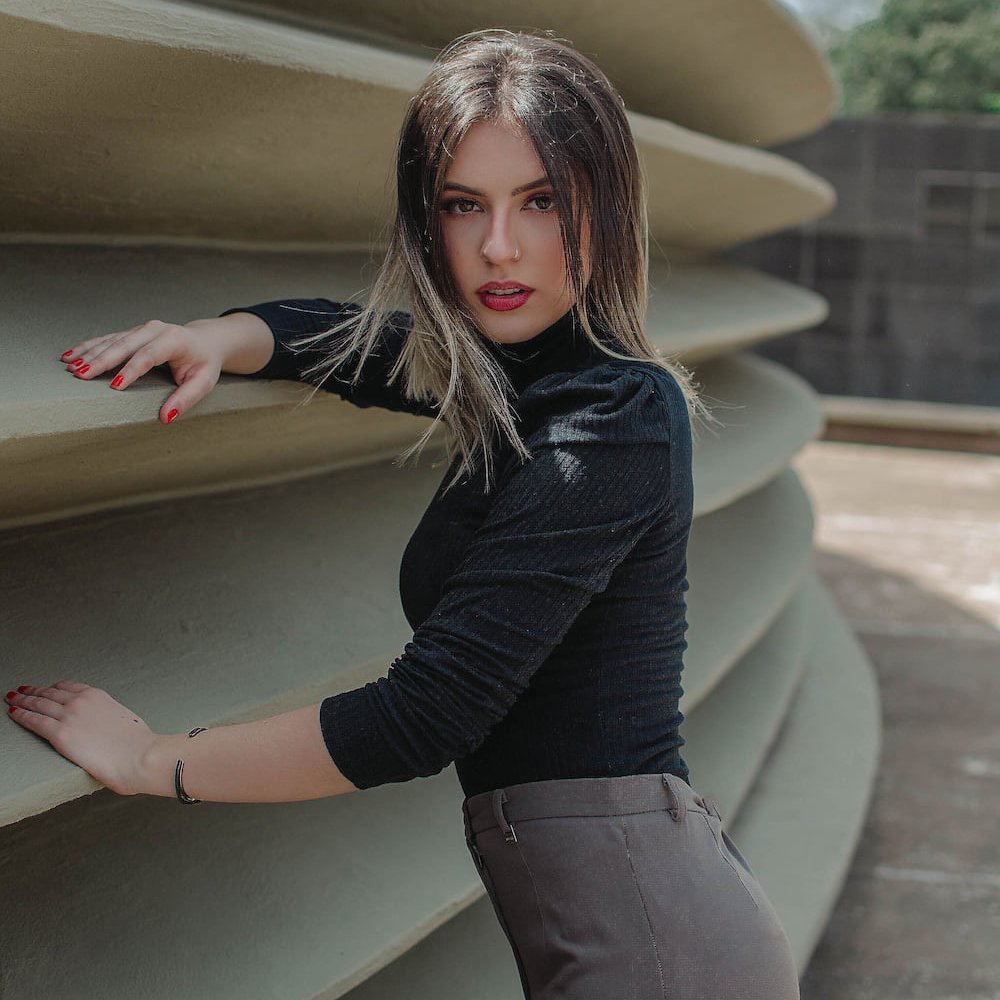
Adding your own watermark before uploading gives you control over its appearance and placement. Use your public creator handle or page address so viewers can recognize the source. Avoid including your legal name, personal email, or other private details.
For Photos
You can add a watermark using a photo editor that supports text or image overlays. Follow these steps:
- Add your handle or logo. Choose a simple, readable font or a logo that remains recognizable at a small size.
- Adjust visibility. Use enough contrast to keep the mark readable without covering important details. A subtle outline can help text stand out against different backgrounds.
- Position it inside the frame. Avoid placing it against an empty edge where a quick crop could remove it. Choose a location that preserves the composition while making removal less convenient.
- Check the exported image. View it on your phone to confirm that the watermark is readable at normal viewing size.
For Videos
In your video editor, add a text or logo layer above the footage and extend it across the entire timeline. An opening watermark alone can disappear when someone trims the beginning.
Check its placement throughout the video. Camera movement and changing backgrounds may make the mark harder to read or cause it to cover important details. If needed, adjust its position or add an outline. After exporting, check the beginning, middle, and end, and confirm that the watermark stays visible in any cropped versions.
Save a reusable watermark template to make future edits faster. Keep unwatermarked originals in protected storage and create separate watermarked copies for publishing, including promotional photos and clips shared outside OnlyFans.
Protect Your Files Before You Publish
Content protection also depends on how you store and share files before uploading them. Originals in an unsecured cloud folder or shared album can leave your control without anyone accessing your OnlyFans page.
Use unique passwords for your creator account, email, and storage services, and enable two-factor authentication wherever available. Check shared folders for public links and remove access that is no longer needed. Keep a protected backup of your originals so you can recover files and support ownership claims.
If you work with an editor or agency, share only the files they need. Agree on where content will be stored, how it may be used, and what happens to copies when the work ends.
Before publishing, inspect footage for addresses, documents, reflections, or other identifying details. Check metadata when sharing files directly. These precautions can reduce the personal information exposed if your content is later copied.
How to Find Stolen Content
Set aside time regularly to check where your content appears outside your own pages. Start by searching your public handle, previous usernames, and distinctive video titles. You can also combine your handle with terms such as “leaked” to look for pages advertising unauthorized copies.
Use reverse-image searches on selected photos or clear frames from your videos. These searches may reveal reposts, but they will not find everything: edited copies, private groups, and pages missing from search results can remain undiscovered.
When you find a copy, record the exact page URL, take a screenshot, and note the discovery date and original file. Keep these details together so you can report the material and track the response.
Check what the page actually contains before treating it as a confirmed leak. Some sites use creator names to advertise content they do not have, attracting visitors who are looking for your material. Avoid downloading unfamiliar files, installing extensions, or entering your OnlyFans login details to investigate. Collect accessible evidence and use the relevant reporting process.

What to Do If Your OnlyFans Content Gets Leaked
When you find an unauthorized copy, collect the information needed to report it. Follow these steps:
- Save evidence. Record the exact URL of the page containing your stolen content and take screenshots. Find the original photo or video you created, and save the link or a screenshot of your OnlyFans post showing its publication date.
- Confirm your rights. Submit copyright complaints for work you own or are authorized to represent. If a photographer created the images, check your agreement: appearing in a photo does not automatically make you its copyright owner.
- Report the copy to the hosting platform. Use its copyright reporting form or designated DMCA contact. A DMCA notice generally requires:
- Your physical or electronic signature.
- A description of the original work you own or represent.
- The exact URLs of the unauthorized copies.
- Your contact information.
- A statement that you believe in good faith that the use is not authorized by the copyright owner, their agent, or the law.
- A statement that the information is accurate and, under penalty of perjury, that you are authorized to act on behalf of the copyright owner.
- Copyright registration is not required to submit a notice.
- Contact OnlyFans support. Provide the links and supporting evidence, and ask about assistance with stolen content. If the copy appears on another OnlyFans account, report that post through the platform as well.
- Request removal from Google Search separately. Use Google’s copyright reporting process where applicable. Removing a search result reduces its visibility, but the file can remain available on the original website.
- Track the outcome. Save reporting confirmations, check whether the copy disappears, and follow up through the recipient’s process when necessary.
Removal times vary, and content may reappear at another URL. If you receive a counter-notice disputing your copyright complaint, seek legal advice before escalating. Keep each report accurate and focused on the specific infringement.
Should You Use a Content Protection Service?
A protection service may be useful when unauthorized copies appear repeatedly or reporting them takes too much time. Before paying, check exactly what the service provides: monitoring, copyright notices, follow-ups, search removal requests, or a combination of these.
Ask which websites it monitors, whether it checks for reuploads, and how it reports results. Distinguish files removed from their source from links removed only from search. Review what personal information and permissions the service requires, and be cautious about promises of complete or permanent removal.
Free tools also have eligibility limits. For example, StopNCII’s current submission page excludes commercial or professional images, so it should not be treated as a general solution for paid OnlyFans content. It works only with platforms that partner with StopNCII to detect matching intimate images and take action under their own policies.
Choose assistance based on the work you need handled and the results you can verify.
Final Checklist: Make Content Protection Part of Your Routine
Before uploading your next photo set or video, check that:
- Your original files are saved in protected storage.
- Your watermark is readable in the final export.
- You have reviewed the available OnlyFans protection settings.
- Shared folders are accessible only to people who need them.
- No private information is visible in the content.
- You know how to check for copies and report unauthorized posts.
Make these checks part of your publishing routine. Consistent preparation can help reduce avoidable exposure and make it easier to respond if your content is shared without permission.