

A potential fan does not usually discover an OnlyFans creator by browsing a large catalog inside OnlyFans itself. The platform is not designed like a dating app or marketplace where users continuously swipe through rows of unfamiliar profiles. Instead, creators are often discovered elsewhere: through third-party OnlyFans search engines and directories, social media accounts, promotional posts, recommendation pages, or creator listings where several small profile images appear side by side.
In these environments, the avatar may be the first – and sometimes the only – visual information a person sees before deciding whether to stop scrolling. There is no time to study the full photograph, notice subtle details, or read a long bio. The image has to make sense as a tiny thumbnail and create enough curiosity to earn a click.
But which profile photos actually do that? The answer should come from audience behavior, not personal preference. This guide explains which visual elements are worth testing, how to measure CTR correctly, and why the most-clicked photo is not always the one that brings in the most valuable fans.
Why Your Profile Photo Can Change Who Clicks
A profile photo sits near the beginning of the discovery path:
impression → attention → click → profile visit → subscription → spending
Its job is not to explain everything a creator offers or persuade someone to subscribe immediately. At this stage, it simply needs to interrupt the scroll, communicate a recognizable identity, and give the viewer a reason to learn more. However, the image also influences what kind of person takes that next step.
A highly provocative avatar may generate plenty of curiosity clicks, but some visitors may leave as soon as they realize the page does not match what they imagined. A more specific photo – one that suggests a creator’s personality, aesthetic, or niche – may attract fewer people while bringing in more relevant potential fans.
That is why the strongest avatar is not necessarily the image with the widest appeal. It is the one that captures attention while setting realistic expectations about the experience waiting behind the click.

How Profile Photo CTR Works
CTR, or click-through rate, shows what percentage of people clicked after seeing a particular image or promotion. It is calculated using a simple formula:
CTR = clicks ÷ impressions × 100
For example, if a creator’s listing is shown 2,000 times and receives 80 clicks, its CTR is 4%. This can help compare two profile photos, but only when both are tested under reasonably similar conditions.
It is also important to separate impressions, clicks, profile visits, and subscriptions. An impression means the promotion or listing appeared on someone’s screen. A click shows that the person wanted to see more. A profile visit does not necessarily lead to a subscription, and a new subscriber does not always become a paying fan beyond the initial subscription price.
OnlyFans tracking links can connect particular promotional sources with profile visits and subscribers, but they do not usually tell you how many people originally saw the avatar. That impression data must come from the directory, social platform, or advertising source where the image appeared. CTR can then show which photo attracts more initial interest, while later results reveal what those clicks are actually worth.
What Makes a Profile Photo Easier to Notice and Click
A profile photo has to work under very different conditions from a regular promotional image. In creator directories, it appears as a small circular or square thumbnail, usually beside several competing profiles. The following elements can help it remain noticeable and understandable in that limited space.
Make the Main Subject Clear
A viewer should immediately understand where to look. If the creator blends into a busy room, several props compete for attention, or the most appealing details are too small to recognize, the photograph may lose its impact as a thumbnail.
This does not mean every avatar needs a plain background or a close-up portrait. A bedroom, studio, or themed setting can help communicate the atmosphere of the page, while a body-focused image may highlight a particular physical feature or niche. However, the creator should remain the obvious focal point.
Before using a photo, reduce it to approximately the size at which it will appear in a directory. If the face, expression, pose, or other main feature becomes difficult to identify, choose a tighter or simpler composition.
Create Contrast Without Overediting
Clear lighting and visible separation between the creator and the background make an image easier to recognize quickly. Contrast can come from light, color, clothing, or a background that frames the subject. A creator dressed in black, for example, may disappear against a dark wall but stand out immediately against a lighter or brighter setting.
Editing can improve exposure, sharpness, and color balance, but aggressive filters may remove natural texture or make the image feel artificial. The goal is not maximum brightness, saturation, or smoothness. It is visual clarity at a small size while preserving the creator’s real appearance.
Communicate a Recognizable Mood
Expression, eye contact, pose, styling, and color all influence the expectations created by an avatar. A direct smile might support a friendly girlfriend-style page, while a controlled expression and darker styling may better suit a dominant, gothic, or mysterious persona.
Rather than choosing whichever photograph looks most conventionally attractive, consider what it communicates about the creator. The strongest candidates create a clear mood that remains recognizable before the viewer reads the profile name or bio.
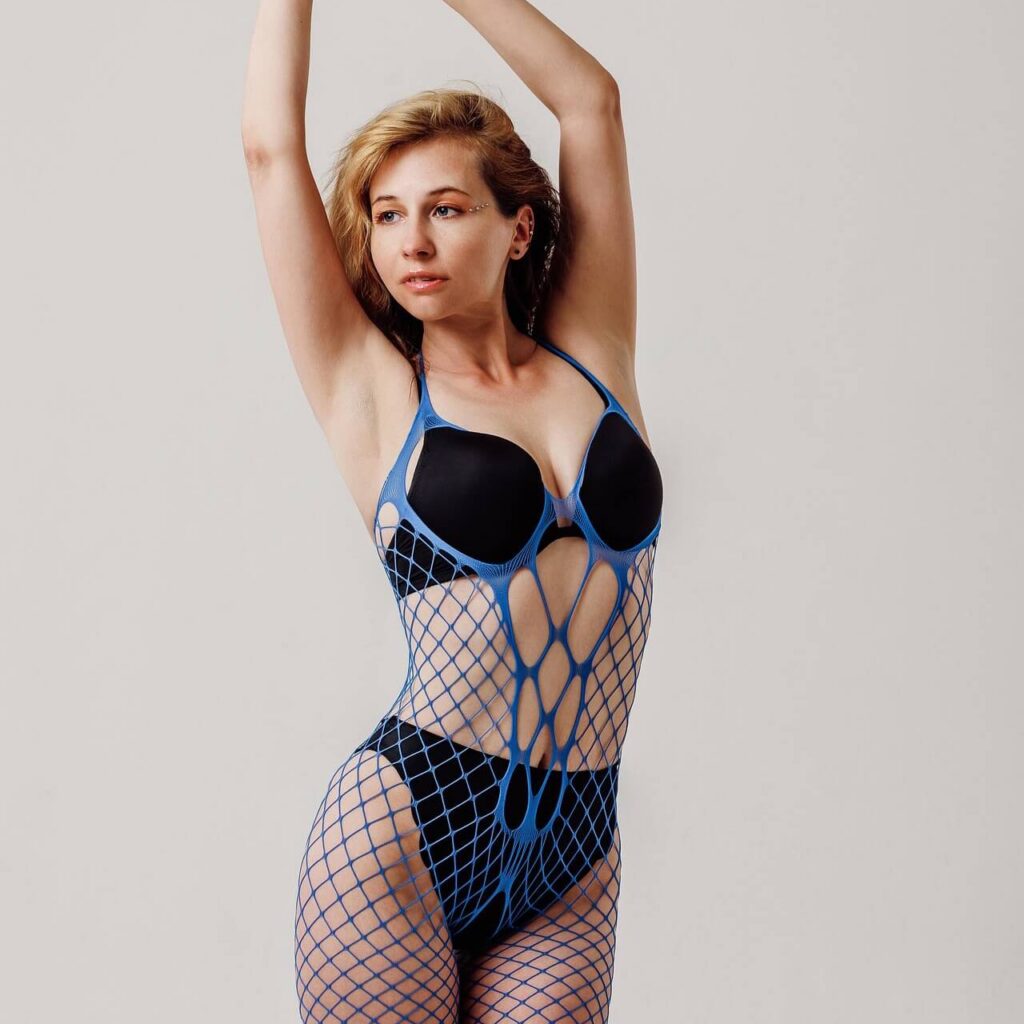
Face, Body, or Faceless Branding?
Showing the face can help a creator feel more recognizable and approachable. It may be especially effective for pages built around conversation, personality, girlfriend-style interaction, or a strong personal connection. Eye contact and expression can communicate warmth, confidence, playfulness, or dominance before the viewer reads a single word.
However, a face-led avatar is not the only option. A body-focused photo can highlight the physical feature or content niche most likely to interest the intended audience. Faceless creators can build recognition through a distinctive silhouette, hairstyle, mask, tattoo, outfit, color palette, or recurring accessory.
The important principle is that faceless should not mean featureless. Even without a visible face, the image needs one clear element that viewers can notice and eventually associate with the creator.
Privacy should always take priority over a possible increase in clicks. Creators who have decided to conceal their identities should not feel pressured to show their faces for promotional purposes. A carefully developed visual identity can attract attention without revealing personal information.
Match the Click to What Fans Will Find
A profile photo creates a visual promise. It gives potential fans their first clue about the creator’s appearance, personality, niche, and production style. Once they click, the banner, bio, preview content, subscription price, and overall page should support the impression created by that image.
For example, a highly polished studio portrait may attract viewers who expect premium production and a glamorous atmosphere. If the page is actually built around casual homemade content and relaxed personal interaction, some of those visitors may quickly lose interest. The same problem can occur when an extremely explicit-looking avatar leads to a softer page, or when a playful image introduces a strict dominant persona.
This does not make either the photograph or the page unsuccessful. It simply means they are attracting and serving different expectations.
The goal is not to persuade every viewer to click. A well-chosen avatar helps the right viewers recognize that the page may suit their interests. That makes the image useful not only for attracting attention, but also for filtering traffic before potential fans reach the profile.
How to Evaluate a Profile Photo When Direct Testing Is Limited
Most creator directories automatically collect profile information and avatars from OnlyFans. Creators may have little control over these listings, while a new profile photo can take days or even weeks to appear. As a result, switching between two avatars for a quick A/B test is rarely realistic.
If a directory provides impression and click data, record the results for the current photo before changing it. After uploading a new OnlyFans avatar, wait until the directory has visibly updated the listing. The next measurement period should begin only after the new image appears. Keep the subscription price, bio, promotional offers, and other important profile details unchanged so they do not influence the comparison.
When a directory reports clicks but not impressions, it is impossible to calculate a true CTR. A rise in visits may simply mean that the profile appeared more frequently or received a better position in the results. The same limitation applies when neither statistic is available.
In those cases, creators can still compare profile visits, new subscribers, and revenue before and after an avatar change, but the results should be treated as directional rather than definitive. Changes in traffic, listing position, seasonality, or promotions may also affect performance.
The most practical approach is to choose images that remain clear as thumbnails, collect feedback on several candidates, and make avatar changes infrequently enough to observe longer-term results. The available data may not produce a perfect experiment, but it can still help identify photographs associated with stronger discovery and conversion.
When Can Creators Actually Test Profile Photo CTR?
Most profiles in creator directories are collected and displayed automatically. The avatar is taken from the creator’s public OnlyFans page, and the creator may have no personal dashboard, control over the listing, or access to its performance data. Updates can also appear slowly. Under these conditions, a creator cannot run a reliable CTR test independently.
The situation may be different when a directory offers paid or arranged promotion. A creator may be able to purchase a featured position, appear higher in selected results, or receive greater visibility within a particular category. Before starting such a promotion, ask what performance information will be provided. A useful report should include both impressions and clicks, since click totals alone are not enough to calculate CTR.
If the service allows different avatars to be tested, both versions should receive the same placement, category, promotional period, and approximate number of impressions. Only the photo should change. Comparing an ordinary listing with a paid top placement would not reveal which avatar performed better because the second version received more visibility.
A dedicated OnlyFans tracking link may also help connect the promotion with new fans and spending, provided the directory agrees to use that link. It still cannot supply missing impression data, but it can show what happened after the click.
Without cooperation or reporting from the directory, any conclusion about CTR would be guesswork. In that case, creators can apply the visual principles covered earlier, but they should not describe one avatar as a proven CTR winner.

Do Not Choose the Winner by CTR Alone
If a promoted listing provides enough data to compare two avatars, the photo with the higher CTR may appear to be the obvious winner. However, clicks represent interest, not necessarily subscriptions or spending.
Suppose Photo A receives 100 clicks and brings in four new subscribers, while Photo B receives 80 clicks and brings in eight. Photo A has attracted more visitors, but Photo B has produced a much stronger subscription conversion rate:
Subscription conversion rate = new subscribers ÷ clicks × 100
Revenue can reveal an even larger difference. Some visitors subscribe but never purchase anything else, while others buy PPV content, leave tips, renew, or order custom content. Creators can evaluate this through another calculation:
Revenue per click = attributed revenue ÷ clicks
For a free OnlyFans page, it is especially important to record how many visitors become spending fans rather than simply joining for free. The strongest avatar is therefore not always the one that produces the most clicks. It is the image that attracts attention from people who are more likely to subscribe, spend, and remain interested in the page.
Profile Photo Testing Mistakes to Avoid
Even when a directory provides promotional data, several mistakes can make the results misleading:
- Treating the number of clicks as CTR without knowing how many impressions each photo received.
- Comparing a regular listing with a featured or higher-ranking placement.
- Starting the measurement period before the directory has updated the avatar.
- Changing the bio, price, offer, or category during the same test.
- Selecting a winner after only a small number of impressions or clicks.
- Comparing periods with very different traffic levels or promotional activity.
- Ignoring subscriptions, spending fans, and attributed revenue.
- Choosing a high-CTR image that creates the wrong expectations about the page.
- Changing avatars so frequently that fans no longer recognize the creator.
Reliable conclusions require comparable conditions and enough information to understand what happened after each click.
Conclusion
A strong profile photo earns attention in a space where fans may be comparing many creators at once. Its effectiveness depends not only on attractiveness, but also on clarity, recognizable personality, and how accurately it introduces the page.
CTR can help evaluate different options when a directory or promotional partner provides reliable impression and click data. When those numbers are unavailable, creators should be honest about the limits of what can be measured. Choose an avatar that represents the page clearly, monitor the results that are available, and focus on attracting visitors who are genuinely likely to subscribe and spend.